Switching to a new smartphone can often mean spending a lot of time moving data and setting everything up again. Samsung is making that process easier with the latest One UI 9 update for the Galaxy Z Fold8.
With the updated Smart Switch app, users can transfer their important data from both iOS and Android devices with less effort. iPhone users no longer need to download the Smart Switch app separately. They can simply scan a QR code shown on the new Galaxy device and start the transfer. The process can also be done wirelessly, so there is no need for cables or adapters.
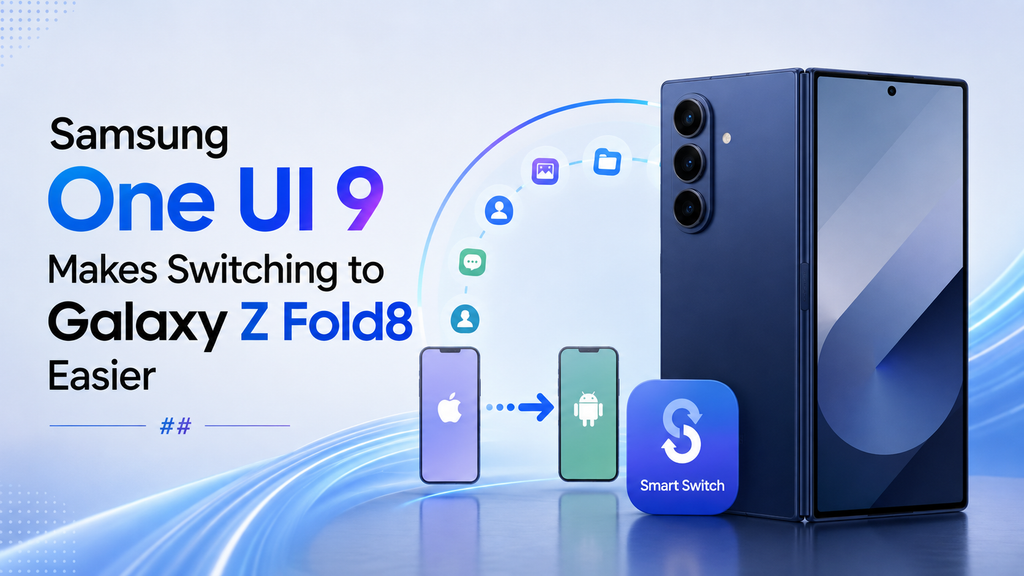
Samsung has also expanded the type of data that can be transferred from an iPhone. Along with photos, messages, contacts, calendars and apps, users can now move passwords, passkeys, call history, accessibility settings and eSIM information.
This means users can get their new Galaxy Z Fold8 ready with much of their familiar data and settings without going through the setup process all over again.
Samsung has also made improvements to Quick Share on devices running One UI 9 and One UI 8.5. With AirDrop compatibility, Galaxy users can now share files more easily with people using iPhones and other iOS devices.
Overall, these updates are aimed at making the move to a Galaxy smartphone simpler, especially for users coming from an iPhone. From transferring personal data to sharing files across different platforms, Samsung is working to make the experience more convenient from day one.

Leave a Reply